Free tiers and local models
Gemini, OpenRouter, NVIDIA, Kilo, Groq and more out of the box, or Ollama, vLLM and LM Studio on your machine. A rate-limited model goes on a cooldown and the next one takes over.
Providers and models
An AI agent that reads and edits files, runs code, searches the web and keeps a task board, on free-tier cloud models and local models.
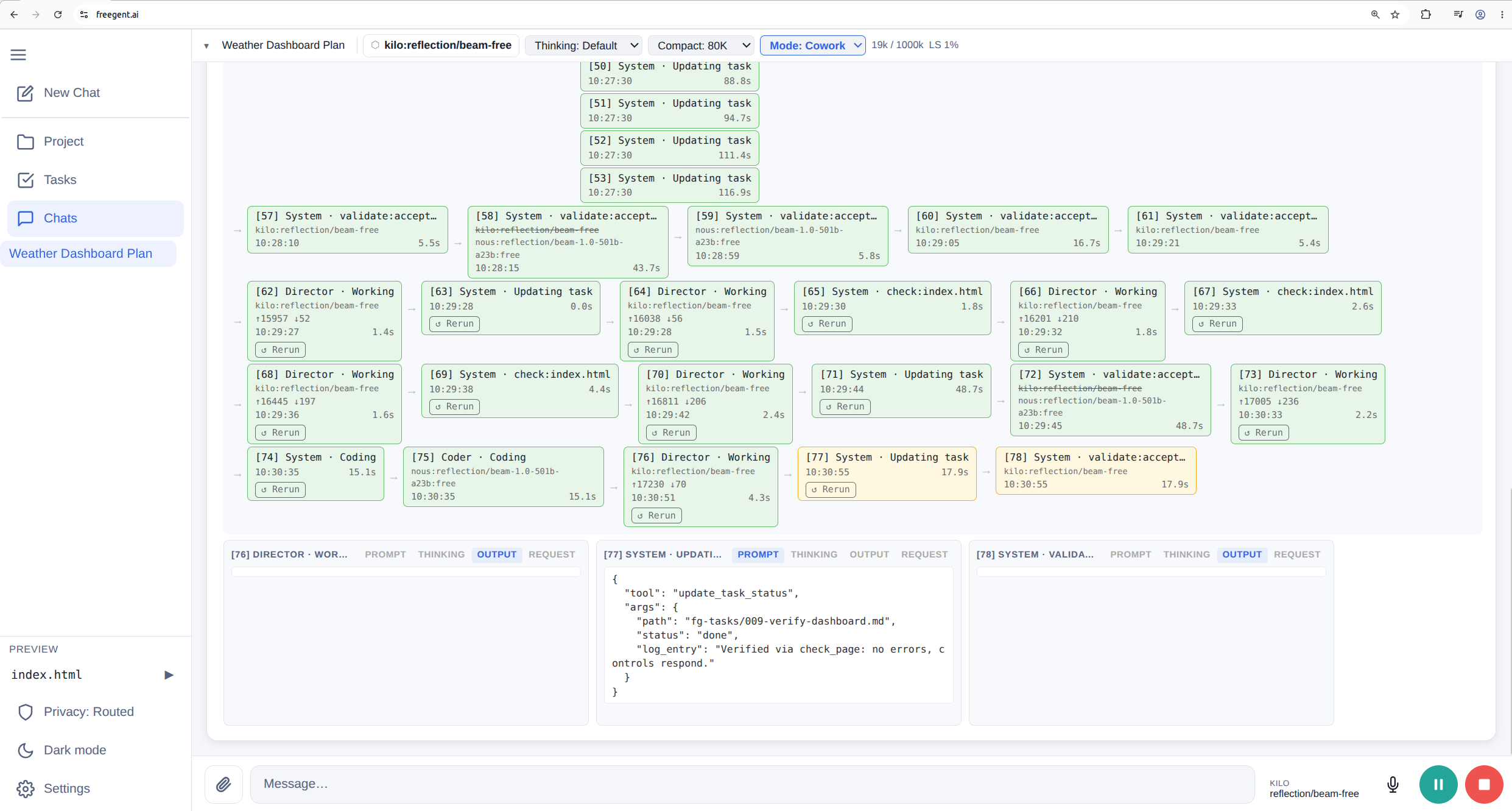
Keys, chats and files stay in your browser. Browsers block direct calls to most model APIs, so when you choose Routed, freegent.ai sends model requests, with your key, through a small Cloudflare proxy that forwards only to a fixed list of provider hosts and stores nothing (details). By default FreeGent calls providers directly from your browser and uses no Worker. The sidebar's Privacy button (also under Settings → Privacy) switches to Routed (through the Worker, for providers such as NVIDIA and Kilo that block browsers) or restricts FreeGent to your local network. For local models, bash on your machine, the terminal and the CLI, see Local or self-hosted.
| Section | What it covers |
|---|---|
| Overview | The design ideas and where each is explained |
| WebUI | Project, Tasks, Chats and modes, Settings |
| Providers and models | Default providers, keys, fallbacks, retries, rotation, local models |
| Harness | Tools, roles, skills, MCP, compaction and checks |
| Code execution | Python, JavaScript and bash, in the browser or on your machine |
| Local or self-hosted | Install, TUI, CLI, LAN access, your own site and Worker |
| Privacy | What stays in your browser, what leaves it and where it goes |